
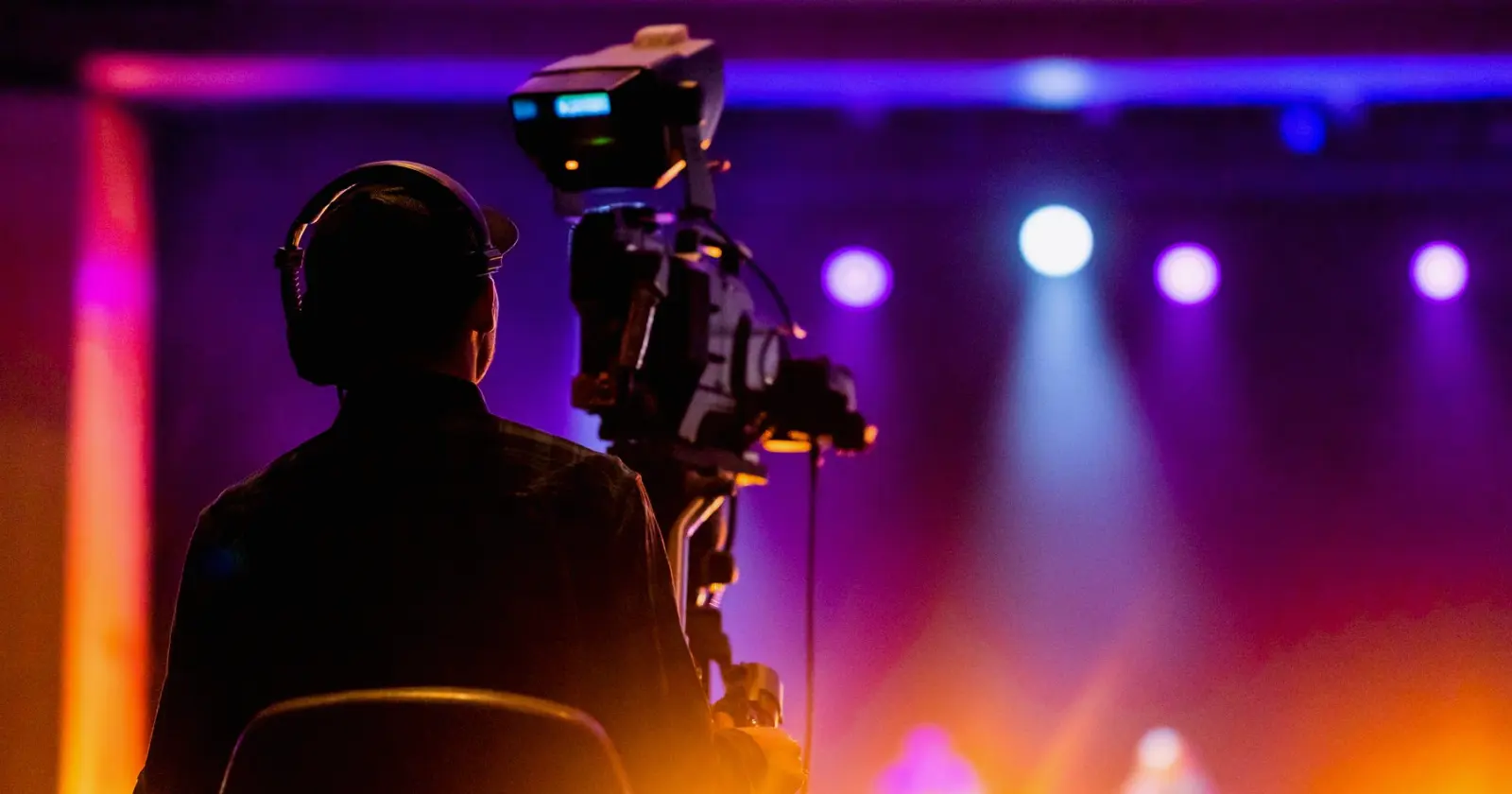
The Encoders, Links and Monitoring We Trust for Live Streams
A streaming engineer explains the tools and methods behind our live streaming production: how we encode, back up and watch a stream so it reaches viewers without interruption.
Starting from the delivery path, not the kit list
When a client asks what we use for a live stream, the honest answer begins with a diagram rather than a list of boxes. Before I choose an encoder I want to know where the programme feed leaves the gallery, how it reaches the internet, and which platform is expecting it. Every tool we bring is there because it solves a particular point on that path.
At Entertoly we treat the chain as a series of handovers: the vision mixer output, the encoder, the network link, the platform ingest and finally the viewer's screen. Each handover is a place where something can go wrong, so each one gets a method for checking it, and a plan for what we do if the check fails.
This autumn we have been refining that diagram for venues with very different connections, from a theatre with a dedicated fibre line to a festival field reliant on temporary links.
Encoding: hardware, software and why we run both
For most events we use a dedicated hardware encoder as the primary, because it does one job, boots quickly and has no other software competing for the processor. It takes the clean programme output from the gallery and turns it into the stream the platform expects.
Alongside it we run a software encoder on a separate workstation, fed from the same source. This is not a luxury. If the hardware unit drops or a setting is rejected by the platform, we can switch to the second path within seconds rather than rebuilding anything live.
Settings are decided in advance with the client: resolution, frame rate and bitrate are matched to the platform and to the upload capacity we have measured, not to the highest figure the equipment can produce. A slightly lower, steady bitrate serves an audience better than an ambitious one that stutters.
- Primary hardware encoder fed from the programme output
- Secondary software encoder on a separate workstation
- Bitrate chosen from measured upload, with headroom left
The network link and the second route
The encoder is only as dependable as the connection behind it. On site, the first thing I do is test upload speed over a sustained period, not a single quick reading, because a link that looks fine for thirty seconds can sag after ten minutes of real traffic.
Where the venue allows, we prefer a wired connection reserved for the stream alone, kept off the guest wifi and the ticketing systems. Sharing a line with other users is one of the commonest causes of a stream breaking up, and it is easy to avoid with an early conversation.
We then add a second route, often a bonded cellular connection, so a failure on one line does not end the broadcast. It rarely carries the show, but when the main line falters it is the reason the audience notices nothing.
Monitoring: watching the stream as the viewer sees it
Once the stream is live, my job shifts to watching it. I keep a view of the encoder's own statistics, showing dropped frames and bitrate, but I also open the stream on a separate device in the same way a viewer would. The numbers can look healthy while the picture on a phone is frozen.
Audio gets the same scrutiny. A clean picture with a level that drifts or a channel that has gone missing loses an audience faster than a soft image. We keep headphones on the platform return throughout, and agree with the sound team who tells whom if something changes.
The platform's own dashboard is the third reference. If its health indicator and our figures disagree, we investigate straight away rather than assuming one of them is wrong.
- Encoder statistics for dropped frames and bitrate
- A separate viewer-side device to see the stream as audiences do
- Audio level checked on the platform return
Rehearsal and a written run sheet
The most useful method we use costs nothing: a test stream before the event. We send a private test to the platform at the real settings, with the real graphics and a few minutes of the actual programme feed, and we watch it from the far end.
Alongside that we keep a short run sheet that lists each handover in the chain, who owns it, and the first action if it fails. It is deliberately plain. In the middle of a live show nobody wants to read a long manual, they want the next step in front of them.
Callum, our technical director, and I go through it together with the gallery crew before doors open, so everyone knows when a switch to the backup path is my decision and how I will announce it.
The tools matter less than the habits around them. Two encoders, a protected network line, a second route, careful monitoring and a rehearsal made at real settings are what let a stream feel uneventful to the people watching it. If you are planning a streamed event and want to talk through the delivery path for your venue, send us the details through the contact page and we will go through it with you.
Daniel Foster
Streaming EngineerDaniel builds and monitors the streaming chain so events reach audiences without interruption.